




It is Friday afternoon. An employee is rebuilding the week's timesheet from memory. Next to it sits a pile of receipts that will turn into an expense report sometime next week. Finance finds out which project those hours and dollars belonged to later, when the numbers in the ERP don't match.
We are running two live webinars on what changes in 2027 and what DATABASICS already does about it. Each runs 30 minutes, with a live demo and time for your questions. They are built for finance and payroll leaders who own timesheets and expense reports and have to answer for the numbers.
Thursday, November 19, 11:00 AM ET: 7 Time Tracking Game Changers for 2027

Before: employees fill in timesheets from memory at the end of the week. Now: the timesheet opens with project assignments and favorites already in place, plus scheduled hours and approved PTO where you use those features. Employees enter the hours they actually worked.
We also cover meal and rest breaks. Rules vary by state, and Mexico's 2027 workweek changes add another set. Once a break schedule is set up, DATABASICS clocks employees out on scheduled breaks and holds a timesheet back from submission until a violation is fixed. It supports meal and rest break compliance for California, Colorado, Illinois, Kentucky, and Mexico.
The session ends on labor cost: what the hours you track cost by project, employee, and department, using the cost rates you set up.
Save your seat
Register for the November 19 time tracking webinar
Tuesday, December 1, 11:00 AM ET: 7 Game Changers for Timesheets and Expense Reports in 2027
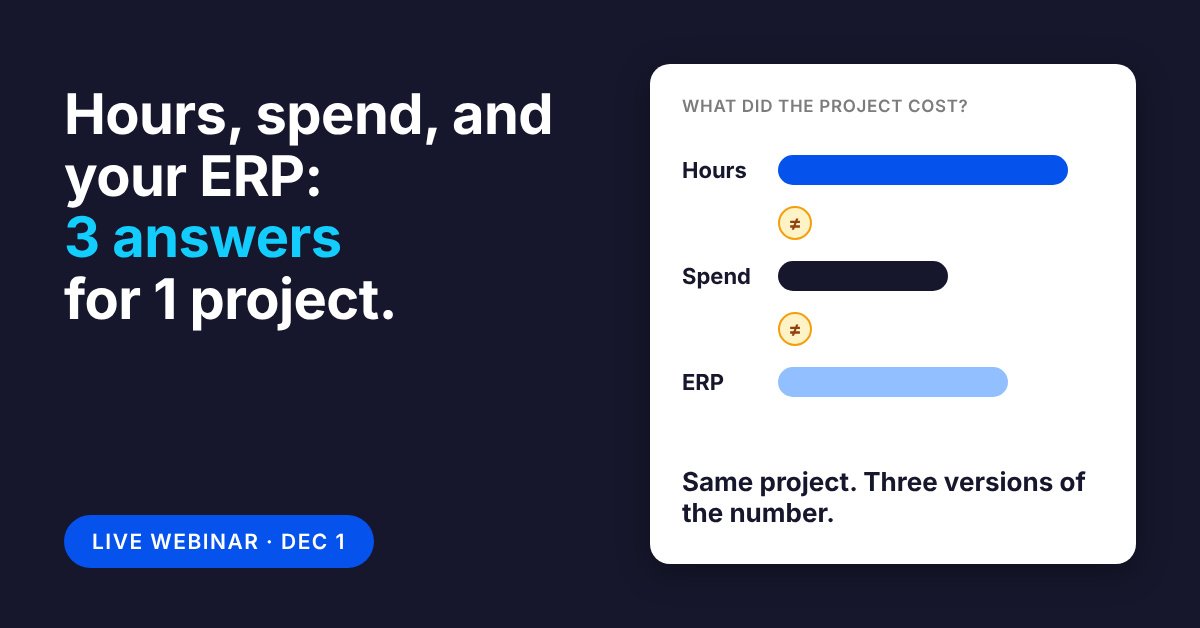
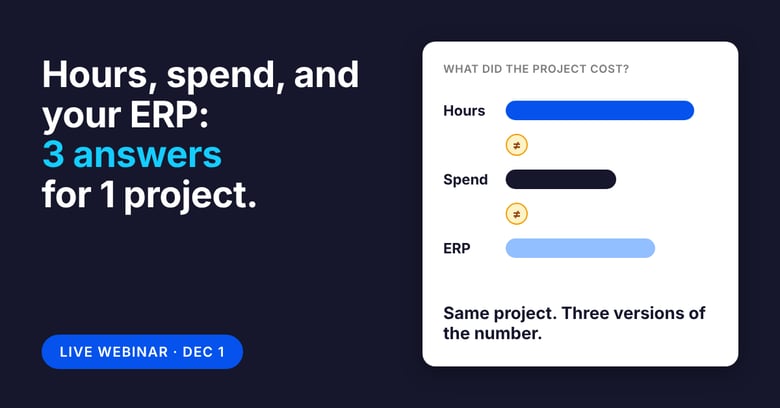
Hours and spend should tell the same story as the project in your ERP. Today, finance often gets one picture from timesheets and another from expense reports, then puts them together by hand. In this session we show a new report that brings hours and spend together for a project, a more complete picture of employee-generated project cost. Your ERP stays the system of record for projects and the ledger.
We also cover how timesheets and expense reports each start with data already filled in, how employees pick from the projects that already exist in your ERP, and how approved data reaches your ERP and payroll on a schedule. On expense reports, we show where AI helps and where it stops: AI Approver, an add-on, reviews reports for exceptions like missing receipts and duplicates, and a person always gives the final approval.
Save your seat
Register for the December 1 timesheets and expense reports webinar
Want to see it on your own projects instead? Book a walkthrough with our team and we will show you how your timesheets and expense reports would reach your ERP.
What changes for timesheets and expense reports in 2027
Read Now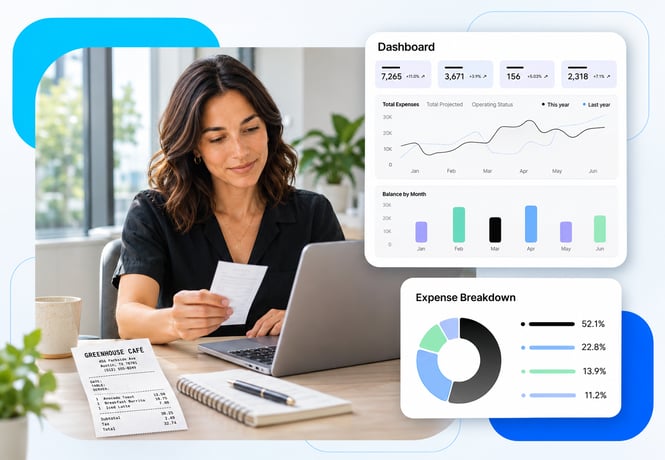
Best SAP Concur alternatives for mid-market finance teams (2026)
Read Now
What manual expense reporting costs construction teams
Read Now
Best expense software for complex approval workflows (2026)
Read Now
Expense software that works with your existing cards (2026)
Read Now
There’s a New Chief at Work: How AI Changes Compliance
Read Now
