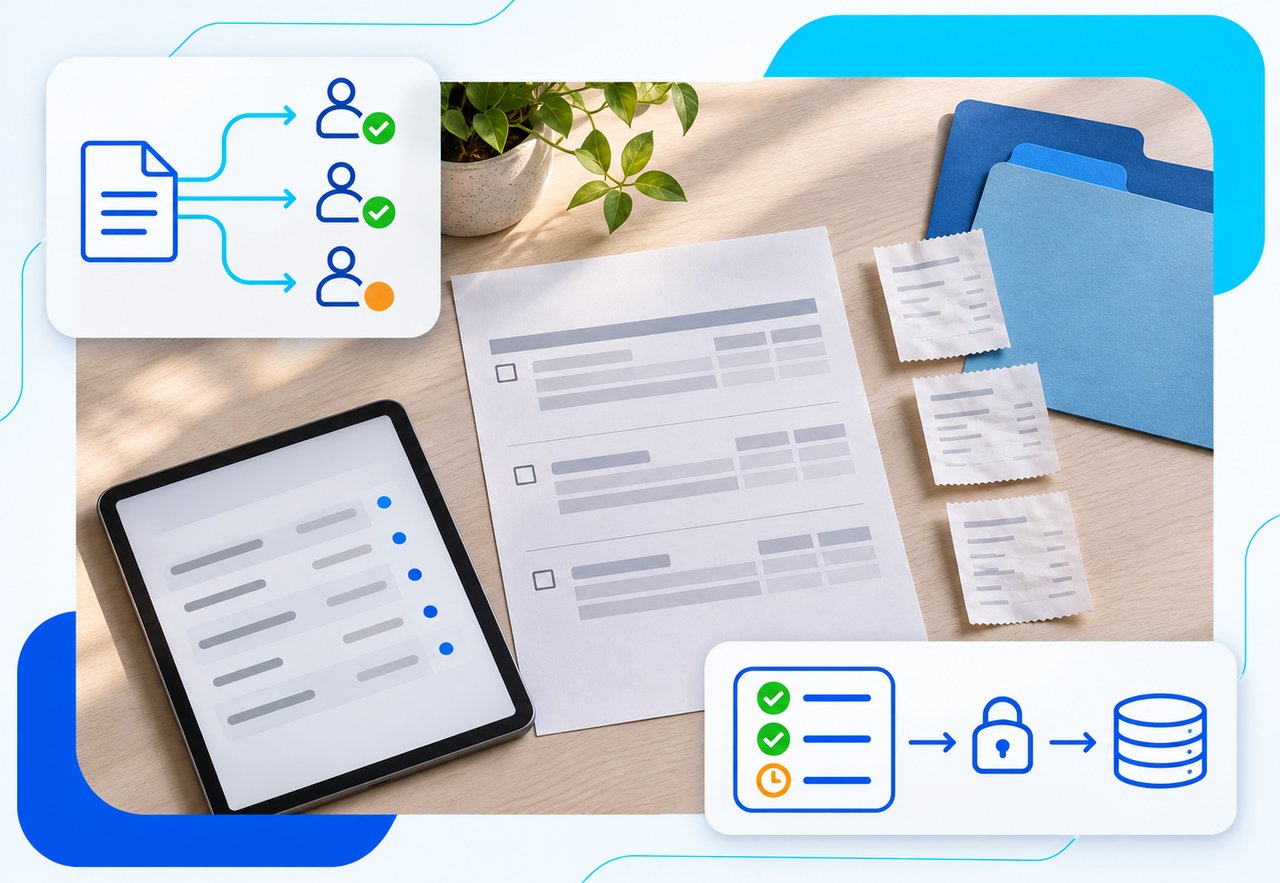
For companies with complex approval workflows, the right expense management software sends each expense line to the right approver based on project, department, amount and role, covers for approvers who are out, and holds posting to the ERP until the last required approval is in. DATABASICS, SAP Concur, Ramp, Emburse, Rydoo and Zoho Expense all offer configurable approvals. The differences that matter are how routing rules are built, whether one report can be split across several approvers, whether you must use the vendor's corporate card, and how approved expenses reach your ERP.
DATABASICS makes one of the products on this list. We apply the same criteria to every entry, including where we are not the best fit.
What makes an approval workflow "complex"
Most expense tools handle a single manager approval. The trouble starts when the org chart and the chart of accounts disagree. A consultant charges travel to two client projects, so two project managers need to see their own lines and nothing else. A department head is on leave during month-end. Finance wants a final review before anything posts to the general ledger, and the controller wants to close the month even though three reports are still half approved.
When the software cannot model this, the workaround is email. Approvers forward reports, AP chases status, and the audit trail lives in someone's inbox. That is the problem these tools are meant to solve, and it is where they differ most.
How we chose
We built the criteria from questions finance and operations teams ask on software demos when approvals are the deciding factor:
- Routing by project and department, not only by reporting line.
- Backup approvers for vacations, leave and turnover, without an admin rebuilding the workflow.
- Two or more approvers in sequence, for example manager then finance.
- Line-level approval when one expense report spans several projects.
- Month-end handling for reports that are only partly approved at close.
- A final approver before posting to the ERP or accounting system.
- Card independence: whether approvals work on the corporate cards you already have.
We used each vendor's own current pages, or dated third-party guides, and linked them. Where a source does not say how a feature works, we list it as something to verify on a demo.
Comparison at a glance
| Product |
Best for |
Key strength |
What to check |
Where the claim comes from |
| DATABASICS |
Mid-size and large organizations that bill or cost expenses to projects and need timesheets and expense reporting in one place |
Routing by department, team, project and policy, with line-level project approval and up to four backup approvers |
Your own routing rules on a demo; integrations run in scheduled batches, not real time |
DATABASICS expense reporting page and DATABASICS product documentation (as of November 2026) |
| SAP Concur |
Large organizations that also want travel and invoice management from one vendor |
Automated approvals and policy checks on mobile and desktop |
How multi-level and project-based routing is configured, and by whom |
SAP Concur blog (July 2026) |
| Ramp |
Teams willing to run company spend on Ramp cards |
Workflow builder with conditions on amount, role and, on the Plus plan, accounting codes, department and location |
Card requirement; which conditions your plan includes; backup approvers |
Ramp support (as of November 2026); OFX guide (October 2026) |
| Emburse |
Teams comparing configurable workflow options |
Configurable approval workflows and policy enforcement |
Line-level and multi-project routing; month-end handling |
OFX guide (October 2026); SAP Concur blog (July 2026) |
| Rydoo |
Multi-entity teams that approve on mobile |
Mobile approvals grouped by user, project or trip; policies by branch |
Depth of sequential approval chains; ERP posting controls |
Rydoo guide (September 2026) |
| Zoho Expense |
Teams with standard approval chains that want automation |
Automated approval workflows |
Whether routing by project and department meets your needs |
OFX guide (October 2026) |
The six options
1. DATABASICS
Best for: mid-size to large organizations, especially project-based ones such as government contractors, professional services firms and nonprofits, where expenses are coded to projects and approvals follow that coding.
DATABASICS offers expense reporting software with configurable approval workflows for mid-size to large organizations. Your administrators build routing in our Admin portal by setting up approval groups and placing them in an approval sequence. Your team owns the routing rules, and our team, including a training team, helps whenever you need it.
Routing can follow four structures: department, team, project and policy. With project routing turned on, each line on an expense report goes to the approvers for the project or department charged. A project manager reviews, approves, changes or rejects only the lines charged to their project, and the other lines on the report are not affected.
Here is how we handle the other criteria on our list:
- Sequential approvals and a final approver. Approval groups run in a set order, for example project manager, then direct supervisor, then policy review. You can put a finance or accounting group at the last step, so a report reaches approved status, and becomes available for export, only after that group signs off.
- Backup approvers. An approver who will be out can name up to four alternates for a date range, for timesheets, expense reports or both. An administrator can also set this up for them. Alternates must be active users with approval rights.
- Audit trail. We keep a record of each report from creation to final approval, including edits, deleted lines, rejection reasons and timestamps. When an alternate approves, the record shows the alternate, not the primary approver. Employees and approvers see the approval history on screen and in the mobile app, and administrators can run and export audit reports.
- Amount thresholds. Expense policy rules and limits send a report or line that goes over a set amount to policy approvers or a higher approval group.
If your month-end process or posting rules raise technical questions, bring a sample report to a demo or ask our sales team to walk through it with you.
DATABASICS AI Approver & Audit is an optional add-on. It reviews receipts, checks for policy issues, assigns a risk score and flags items for a person to review. It cannot approve a report on its own: a designated approver makes the decision. The AI expense approval product guide has more detail on this feature.
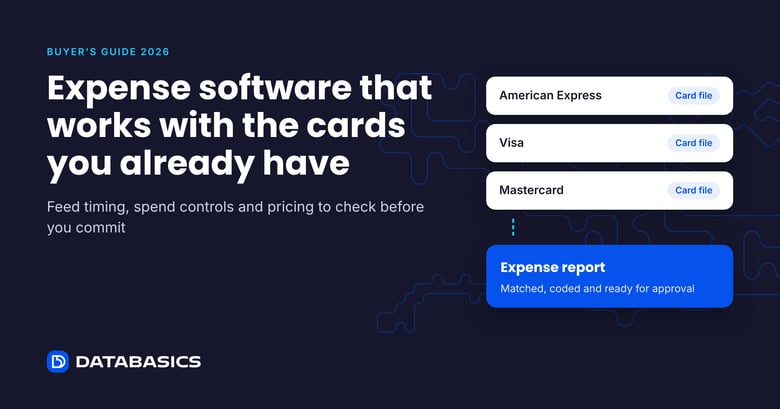
Approved expenses move to your ERP, payroll or accounting system in scheduled batches, and your ERP stays the system of record. We offer ERP integrations with Sage Intacct, NetSuite, Microsoft Dynamics 365, ADP, Deltek Costpoint and APS Payroll, among others. Some connections need credentials or licenses on the ERP side, such as Sage Intacct Web Services, so include your ERP administrator in the evaluation. DATABASICS also works with the corporate cards you already use, with third-party card feeds arriving in daily batches.
Timesheets and expense reporting run in one system with one approval structure. An approver can be set up for timesheets only, expense reports only or both, and each can have its own approval sequence. That matters when the same managers approve both labor and expenses.
What to verify: implementation time depends on how many rules, entities and integrations you have, so ask us for a plan built on your scope rather than a standard timeline. Review our implementation process before you scope the project. If you need expenses to appear in the ERP the moment they are approved, scheduled batches will not meet that requirement.
2. SAP Concur
Best for: large organizations that want expense, travel and invoice management from one vendor.
As of July 2026, SAP Concur's own comparison lists "automate approvals and policy checks" among its features, says employees can complete approvals in its mobile and desktop experience, and describes AI embedded across receipt capture, approvals, compliance and auditing. It ranks itself first in that guide, so read it as the vendor's description.
What to verify: how multi-level and project-based routing is built, whether your team or a partner maintains it, and how changes are made when the org chart shifts.
3. Ramp
Best for: teams prepared to move company spend onto Ramp's corporate cards.
Ramp's support documentation, as of November 2026, describes its approval routing in detail. Its workflow builder lets admins "configure complex and flexible approval chains based on different conditions." Conditions include amount and user role, and on the Plus plan, accounting codes, Ramp department and Ramp location. Approvers can be a manager, the manager's manager, a department or location owner, a custom approval group or a named employee. A step can require every listed approver, or a set number of them (marked Beta). If a submitter would end up approving their own expense, Ramp routes that step to a fallback approver.
What to verify: the OFX guide (October 2026) lists "Requires use of Ramp's corporate card" as a consideration. If you plan to keep existing cards, confirm how that affects the workflow. Also confirm which routing conditions your plan includes, and how backup approvers work during leave.
4. Emburse
Best for: teams comparing configurable workflow options across several vendors.
The OFX guide (October 2026) describes Emburse with "customizable approval workflows and policy enforcement," and SAP Concur's guide (July 2026) lists "flexible approval workflows" and configurable processes. Neither source describes how routing rules are built.
What to verify: line-level approval across projects, backup approvers and month-end handling, using your own sample reports.
5. Rydoo
Best for: multi-entity teams whose approvers work mostly on mobile.
Rydoo's own 2026 guide (September 2026) describes mobile approvals grouped by user, project or trip, the option to block out-of-policy expenses at submission, and different policies by branch.
What to verify: how deep sequential approval chains can go, and what controls sit between final approval and posting to your ERP.
6. Zoho Expense
Best for: teams with fairly standard approval chains that want them automated. The OFX guide (October 2026) lists "automated approval workflows" for Zoho Expense. Ask how it handles routing by project and department before shortlisting it for complex approvals.
Buyer checklist: questions to ask on a demo
Bring two or three real expense reports from last quarter, including your messiest one, and ask the vendor to route them live.
- One report has lines for two projects. Show me each project manager seeing and approving only their own lines.
- Can routing depend on project or department, not only on the employee's manager? Who sets that up, and who changes it later?
- The approver is on leave for two weeks. How is a backup assigned, and does the audit trail show who actually approved?
- We need manager approval, then finance. Can we add a final approver who must sign off before anything posts to the ERP?
- At month-end, some reports are only partly approved. What happens to the approved lines and to the rest?
- Does the approval workflow work on our existing corporate cards, or only on your card?
- How do approved expenses reach our ERP and payroll: real time or scheduled batches, and how are errors returned?
- Where AI flags an expense, who makes the final decision, and is that recorded?
FAQ
What is an expense approval workflow?
It is the set of rules that decides who must approve an expense, in what order, and what happens after approval. Simple workflows send everything to the submitter's manager. Complex ones route by project, department, amount or policy, add finance review, and control when approved expenses post to the accounting system.
Can different lines on one expense report go to different approvers?
Some tools support line-level routing, which matters when one trip or report is charged to several projects. In DATABASICS, project routing sends each line to the approvers for the project it is charged to. Support and setup vary by vendor, so test it on a demo with one of your own multi-project reports.
What happens when an approver is on vacation?
Look for backup or delegate approvers that can be assigned without rebuilding the workflow, and an audit trail that records who approved. DATABASICS lets an approver or administrator name up to four alternates for a date range. Ramp documents a fallback approver for self-approval cases. Ask each vendor how out-of-office coverage works.
Do I need to switch corporate cards to get approval workflows?
Not always. Some platforms are built around their own cards, and the OFX guide notes that Ramp requires its corporate card. DATABASICS works with the cards you already have through card feeds that arrive in daily batches.
Should approvals happen in the expense tool or in the ERP?
Most mid-size organizations approve in the expense tool and post approved expenses to the ERP, which stays the system of record. The question to settle is how and when approved data moves, and what happens if a correction is needed after posting.
Does AI approve expenses?
In most tools, AI flags receipts and policy exceptions for review. DATABASICS AI Approver & Audit, an optional add-on, assigns risk scores and flags items, and a designated person makes the approval decision. Ask any vendor whether AI can approve on its own and how that is recorded.
Next step
Write down your three hardest approval cases before the first demo: a multi-project report, an approver on leave, and a month-end close with open reports. Any vendor on this list can show a clean single-manager approval. How each one handles those three cases will separate the shortlist. To see how DATABASICS handles your routing rules, book a demo with the DATABASICS team.