


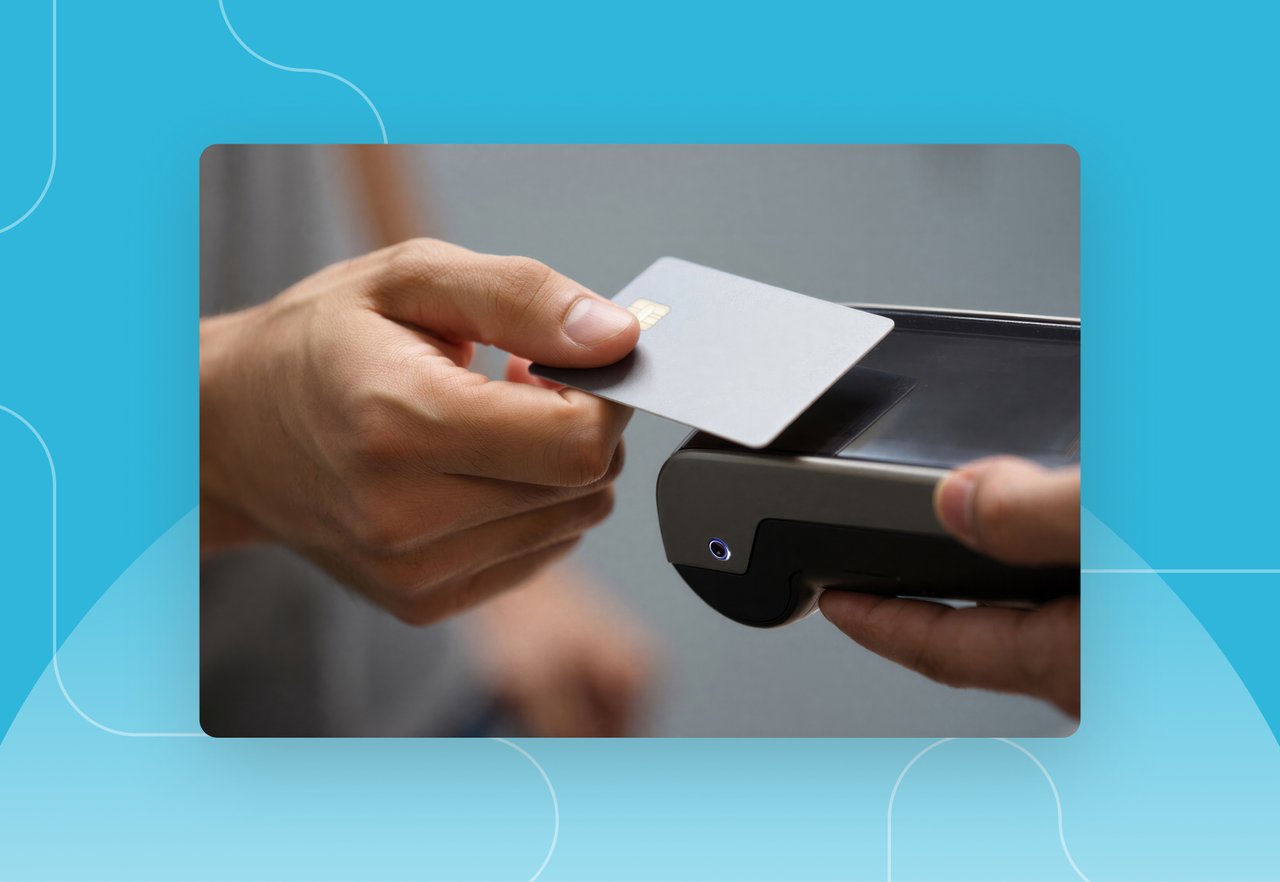


Purchasing cards have become a standard tool for managing low-dollar, high-volume business spend. They give employees a faster way to buy what they need to do their jobs, and they give finance a more efficient alternative to the traditional purchase order and invoice cycle.
But as P-Card programs grow, so do the questions around them. Finance and operations leaders often want to understand how P-Cards differ from corporate credit cards, how reconciliation actually works in a modern system, and what kinds of controls keep a program compliant.
This article answers the most common P-Card questions in a single place. For a full feature overview, see DATABASICS P-Card Management Software.
What a P-Card Is and Why Organizations Use One
A purchasing card (P-Card) is a company-issued charge card that lets authorized employees buy goods and services for the organization without submitting a purchase order. P-Cards are designed for low-dollar, high-volume purchases like office supplies, software renewals, and maintenance parts, and are governed by preset spending limits, merchant category restrictions, and approval workflows.
Organizations typically introduce a P-Card program for a few reasons:
- Faster procurement for routine items like office supplies, software renewals, and repair parts
- Reduced administrative work for AP teams that would otherwise process hundreds of small invoices
- Better visibility into spending patterns at the department, project, or vendor level
- Stronger controls when paired with management software that enforces policy automatically
The scale of P-Card usage is significant. According to the U.S. Government Accountability Office, federal entities used GSA SmartPay purchase cards to conduct over 88 million transactions, totaling more than $37 billion in spending on goods and services in FY 2023 (GAO-25-107298, April 2025). Private-sector programs follow the same general model.
As a real life example, HCR ManorCare, a healthcare provider with more than 55,000 employees across hundreds of locations, had never run a P-Card program before choosing DATABASICS for its P-Card program management. They went from zero card infrastructure to a fully managed program with automated reconciliation and policy controls. Read the full case study to learn why they started using P-Cards.
How a P-Card Differs from a Corporate Credit Card
P-Cards and corporate credit cards both let employees pay on behalf of the organization, but they are built for different purposes. A P-Card is a procurement tool with hard limits on what can be bought, where, and for how much. A corporate credit card is generally tied to an individual employee for travel and expense purposes and offers more flexibility but fewer controls.
The practical differences usually come down to how policy is enforced. P-Card programs are designed to apply rules at the moment of purchase, which means:
- Spending is restricted by merchant category code, so the card only works at approved vendor types
- Per-transaction and monthly spending limits are set by role or department
- Approval workflows are tied to specific projects, GL codes, or cost centers
- Transactions can integrate directly with the ERP for line-level coding
Corporate credit cards, by contrast, typically rely on policy review after the fact. P-Cards aim to prevent non-compliant spending before it happens.
There is a third option that blurs the line between the two. A commercial card, sometimes called an expense card, combines the spending flexibility of a corporate card with the pre-purchase controls that P-Card programs are known for. The organization issues cards to employees or departments, sets real-time spending rules (MCC restrictions, per-transaction caps, velocity limits), and captures every transaction in the same system that handles expense reports. The card issuer and the expense platform are the same product, so there is no file import, no statement reconciliation, and no gap between what the card network sees and what finance sees. DATABASICS offers this through the DATABASICS Visa® Commercial Card, which is built into the expense platform and works alongside any P-Cards or bank-issued corporate cards the organization already uses.
Here is how the three card types compare across the controls that matter most to finance teams:
"For a more detailed breakdown, see P-Cards vs. Corporate Cards: What's the Difference and Which Does Your Organization Need?"
How P-Card Reconciliation Works in a Modern System
Reconciliation has historically been one of the most time-consuming parts of running a P-Card program. Transactions arrive on a statement, receipts have to be tracked down, expenses have to be coded to the right account, and finance has to verify that each charge falls within policy. Done manually, the process can stretch through most of month-end.

Modern P-Card management software automates most of this work. Transaction data flows directly from the card issuer into the platform, where it is matched against approved purchases, paired with receipts captured through mobile or email, and routed for approval based on configured business rules. With DATABASICS P-Card management software, policy violations and questionable transactions surface in real time, and standard or custom reports give finance visibility into spending by category, project, or vendor without an export and pivot exercise.
Finance closes faster and spends less time chasing receipts and fixing GL codes.
One customer of DATABASICS, MEC General Contractors, saw a 75% reduction in expense processing time after automating card reconciliation through DATABASICS, along with 100% accuracy in GL coding and a 50% reduction in billing delays. Read more in their case study.
How a P-Card System Connects to Your ERP
One of the most common questions during a P-Card software evaluation is how the system will fit into the existing accounting environment. DATABASICS connects directly to leading ERP and accounting platforms, including Oracle NetSuite, Sage Intacct, and Microsoft Dynamics, so coded transactions land in the GL without manual re-entry.
Integration matters because most P-Card pain is integration pain. When card data, receipts, and GL coding live in three different systems, every reconciliation cycle turns into detective work.. A connected A connected system pushes coded transactions, matched receipts, and approval records straight into your GL, so the numbers in your ERP match what's on the card statement without anyone rebuilding it manually..
Pathfinder International, a global nonprofit with operations in 19 countries, manages 300 P-Card users who need every purchase allocated to specifically funded projects and grants. Their team chose DATABASICS because, as they put it, it "meets our needs the best" for project-level allocation alongside their NetSuite ERP. Watch the Pathfinder case study.
See all supported ERP and accounting integrations.
How P-Card Controls Help Prevent Fraud and Misuse
Controls tend to work best when they apply before a transaction clears, not after. A well-configured P-Card program restricts spend at the point of purchase using a layered set of rules. These typically include:
- Vendor category limits that allow purchases only at approved types of merchants
- Role-based spending caps that match an employee's authority
- Transaction velocity rules that flag unusual frequency or volume
- Location and time-based controls that restrict use outside normal patterns
When a charge would violate policy, the card declines it. That shift, from reviewing charges after the fact to blocking bad ones before they clear, is what gets your AP team out of the exceptions queue and back to actual analysis.. For a deeper look at the controls layer, see our guide on best practices for securing P-Card transactions.
What a P-Card Program Needs for Audit Readiness
Audit readiness in a P-Card program generally comes down to three things: a documented policy, evidence that the policy was enforced, and a complete transaction trail. Each one becomes much easier to maintain in a modern P-Card platform.
Every transaction carries its associated receipt, GL code, approver, and policy status, so the documentation auditors need is captured as part of the normal workflow. Standard and ad-hoc reports give auditors a clear view of spending patterns and exceptions, which means finance teams can answer questions in minutes rather than rebuilding the history from spreadsheets.
Quick Answers to Other Common P-Card Questions
Who should be issued a P-Card?
P-Cards are typically issued to employees with a recurring need to purchase low-dollar goods or services for the organization. Common roles include facilities managers, IT administrators, field technicians, marketing buyers, and department heads with approved budget authority.
What is a reasonable P-Card spending limit?
Spending limits are usually set by role, department, and transaction type rather than as a single company-wide number. A common pattern is a per-transaction limit between $1,000 and $5,000, with a monthly limit aligned to budget authority. Limits should be reviewed periodically as spending patterns shift.
What happens when a receipt is missing?
A modern P-Card system flags the transaction, notifies the cardholder, and holds the charge in an exception queue until the receipt is provided or a missing-receipt policy is invoked. Automated reminders help reduce the volume of stale unmatched transactions that tend to accumulate before month-end.
Can P-Cards be used internationally?
Most P-Card programs operate on global card networks and can be configured to allow or restrict international use by region, currency, or merchant category. A well-built management platform captures multi-currency transactions and applies the correct exchange rate at posting. See how mobile expense tools support international P-Card programs.
How long does it take to roll out a P-Card management system?
Implementation timelines depend on program size, the ERP environment, and policy complexity. Most mid-market and enterprise rollouts move from kickoff to live transactions in a matter of weeks rather than months when the existing policy is documented and the ERP integration is well-defined.
What is a ghost card, and how is it different from a P-Card?
A ghost card is a virtual card number assigned to a department, project, or vendor rather than to an individual employee. There is no physical card. Any authorized person in that department can use the number to make purchases, and every charge is automatically coded back to that department's budget. P-Cards, by contrast, are issued to a specific employee who is responsible for tracking and reporting each purchase. Ghost cards work well for recurring vendor payments or high-volume departments where multiple people need purchasing access without individual card issuance. Most P-Card management platforms, including DATABASICS, can handle both card types in a single system so finance teams get one consolidated view of all card-based spend.
Do P-Cards affect an employee's personal credit score?
No. P-Cards are issued under the organization's credit line, not the employee's. The liability sits with the company, and P-Card activity does not appear on the cardholder's personal credit report. This is one of the practical differences between a P-Card and a small business credit card, which sometimes requires a personal guarantee from the business owner. If an employee misuses a P-Card, the consequences are internal (policy violation, disciplinary action, potential termination), not a hit to their personal credit.
What is MCC blocking, and why does it matter for P-Card programs?
MCC stands for merchant category code, a four-digit number that card networks assign to every merchant based on the type of goods or services they sell. MCC blocking lets an organization restrict P-Card purchases to approved merchant categories and automatically decline transactions at blocked categories. For example, a facilities manager's P-Card might be configured to work at hardware stores and building supply vendors (MCCs 5200, 5211, 5251) but decline at electronics retailers or restaurants. This is one of the most effective fraud prevention tools in a P-Card program because it stops non-compliant spend at the point of purchase rather than flagging it after the fact. DATABASICS P-Card management software supports MCC-based restrictions as part of its point-of-purchase policy controls.
How Do You Choose the Right P-Card Management Software?
A purchasing card program is only as effective as the controls, integrations, and reporting behind it. The cards themselves are straightforward; the difference between a program that creates work for finance and a program that supports finance lies in the software that codes the spend, enforces the policy, and connects to the ERP.
DATABASICS helps organizations manage P-Card programs with automated reconciliation, point-of-purchase policy controls, and direct integration with Oracle NetSuite, Sage Intacct, and Microsoft Dynamics.
Organizations like Skanska, Pathfinder International, and HCR ManorCare rely on DATABASICS to manage complex time, expense, and card programs. See more customer stories.
There’s a New Chief at Work: How AI Changes Compliance
Read Now
Best expense management software for construction field crews (2026)
Read Now
Timesheets and Expense Reporting Software: The Top Questions We Hear From Buyers
Read Now
Best DCAA timesheet software for government contractors (2026)
Read Now
Expense Reporting Compliance: Policy to Audit Trail
Read Now
From Timesheet to Audit Trail: Building Compliance Into Time Reporting
Read Now
