Updated October 2026
Managing timesheets & expense reports in separate systems can mean duplicate employee and project updates, separate approval queues, and extra work to combine project costs. Here are eight reasons to consider a single solution.
1. Users are on a single platform
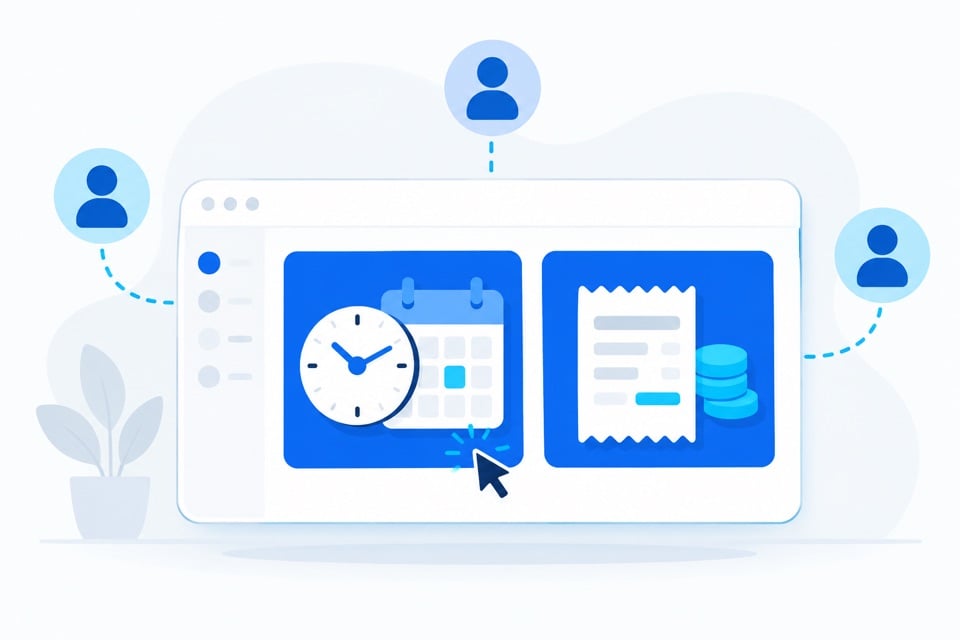
Employees who record both time and expenses can use one platform rather than learning two separate tools. A consistent experience can reduce training and make it easier to complete related tasks.
2. Project data can be shared between time & expense
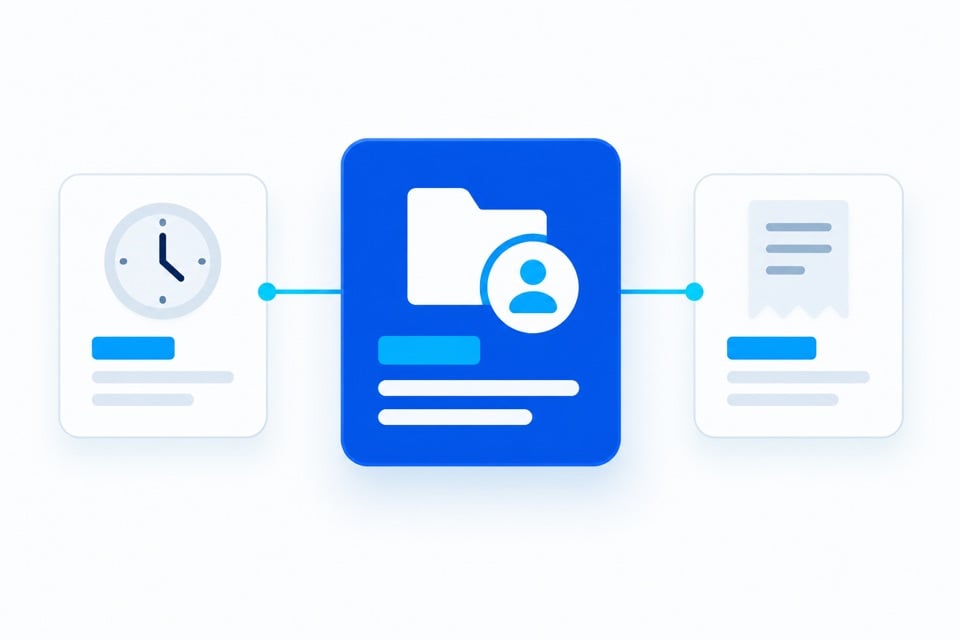
Timesheets & expense reports often share employee records, organizational structure, project codes, and approval relationships. Maintaining those references in one place can reduce mismatches caused by separate update cycles. Clear ownership and configuration still matter.
3. Approving timesheets & expense reports is easier
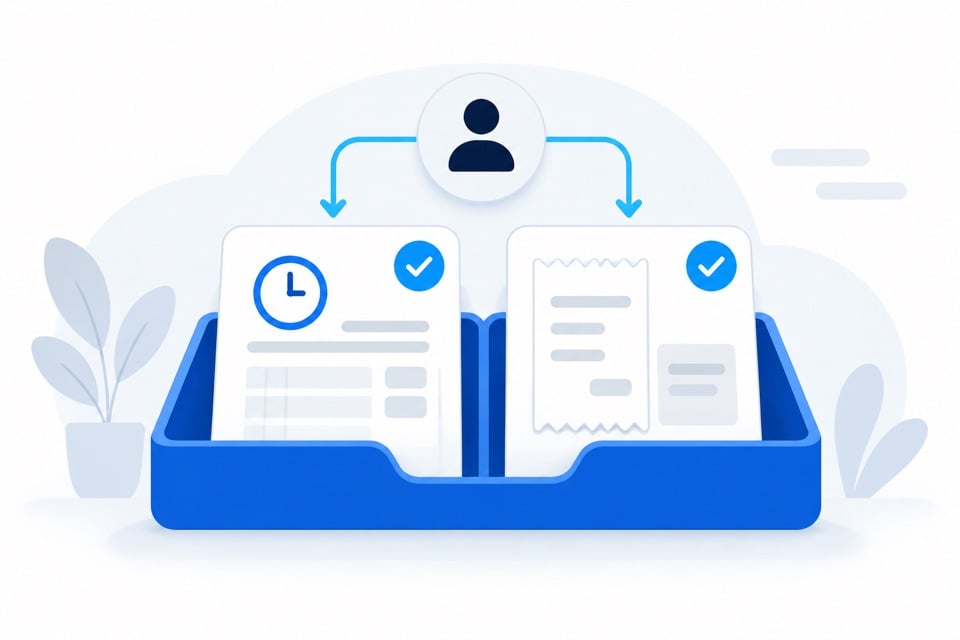
Approvers can access timesheets & expense reports in one platform, while following the separate approval rules each process requires.
4. You only have to manage one system
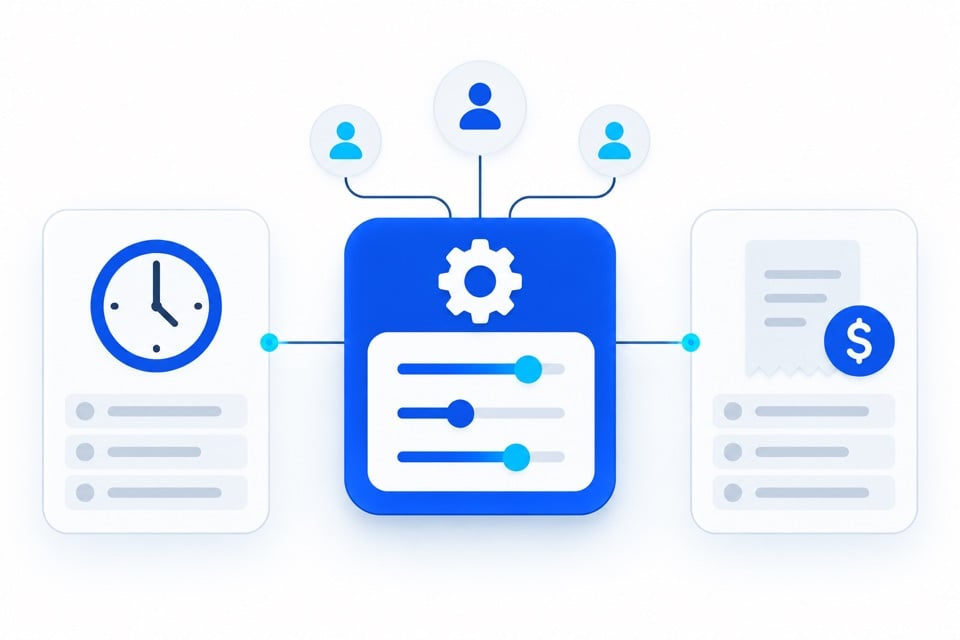
A unified solution gives administrators one place to manage access, shared reference data, and configuration. Time and expense policies can still have different rules and approval paths.
5. You can cross-check related records
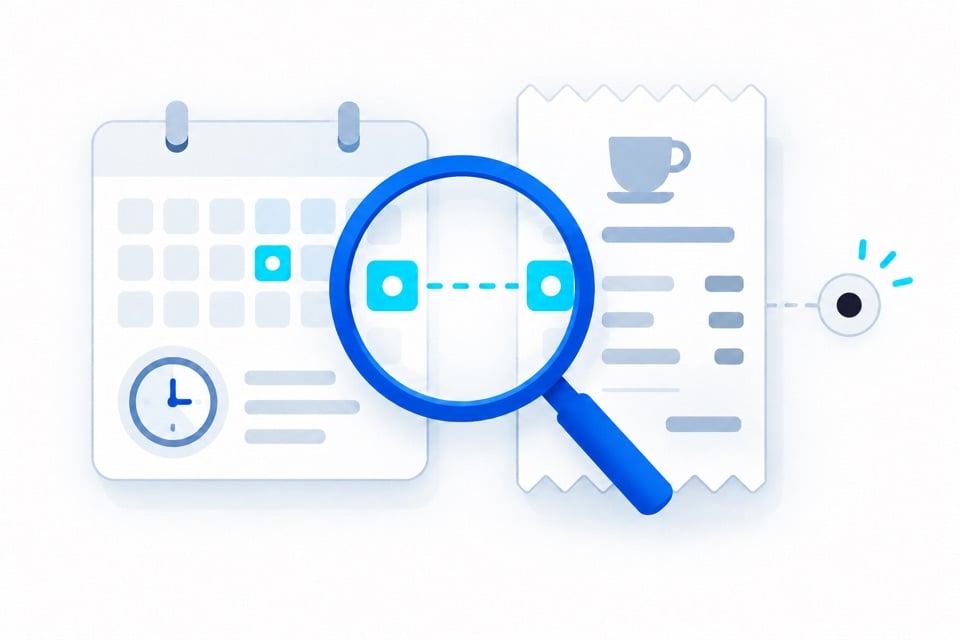
Related records can support cross-checks, such as comparing expense dates with recorded leave or reviewing labor and expenses assigned to the same project. Flagged differences need review; they do not establish that a charge is improper.
6. You can report labor and expense costs together
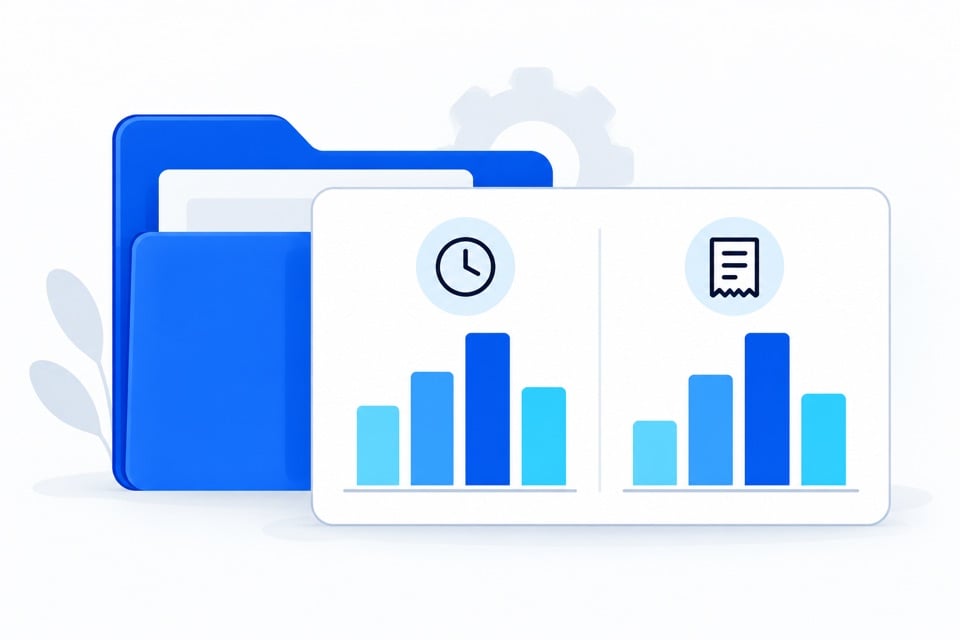
Combined reporting can show recorded labor and expenses against the same projects, clients, or cost centers. Confirm the reporting fields and labor-cost inputs needed to produce a useful view of project costs.
7. You can share implementation setup
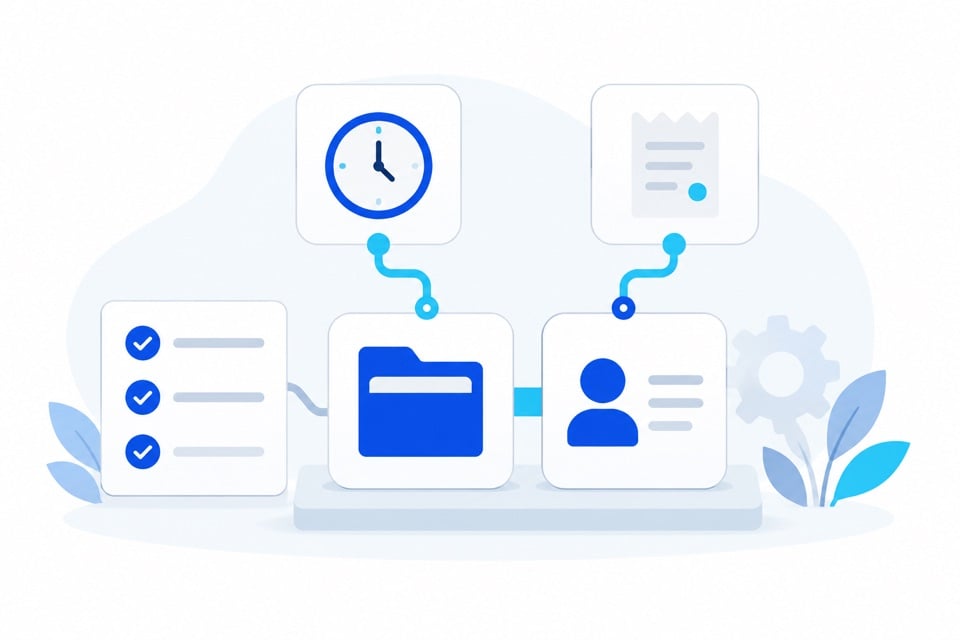
Shared employee, project, and approval setup can reduce duplicate implementation work. The effort still depends on each workflow, data migration, integrations, and training needs.
8. Users get a single mobile app
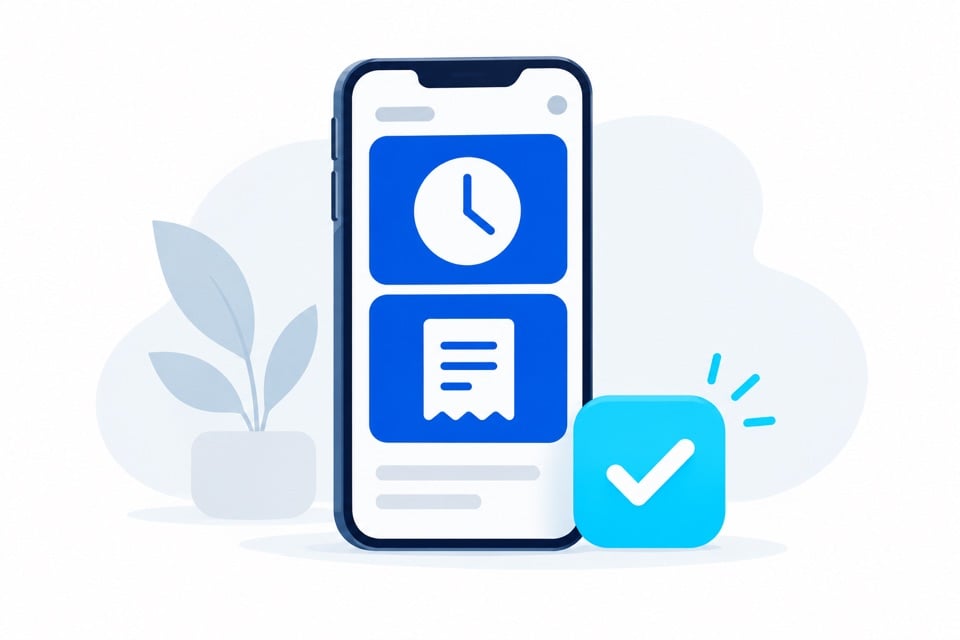
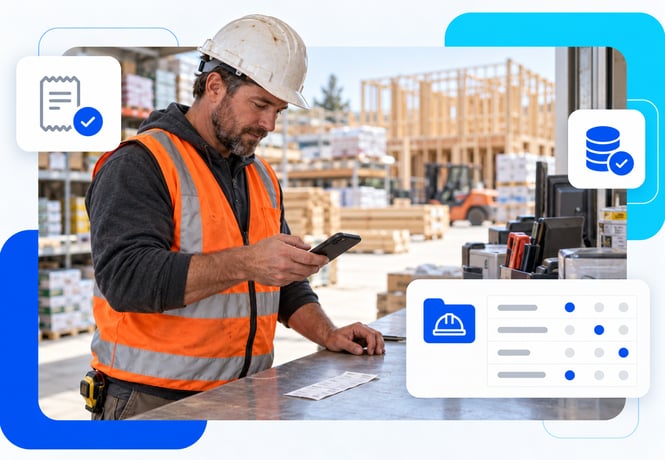
A single mobile app can give employees access to time entry, receipt capture, and expense submission in one place. Approvers can review supported tasks from the same app. Confirm the mobile functions needed by each user group.
DATABASICS Time & Expense
See how your time and expense workflows fit together
Bring your project codes, approval rules, and accounting requirements. We’ll walk through how DATABASICS could support both processes and what your configuration would involve.
Book a demo